
由于 ChatGPT 的知识库只到 2021 年 9 月,所以它无法解释之后的一些问题,本文提到的就是一例。
如果你在使用 iOS/macOS 的“提醒事项”,就会发现这么个纠结的问题:随着日积月累,“已完成”的提醒事项会达到成千上万条,它们默认都被隐藏了,虽然可以通过显示它们,逐条删除,但是好像一直没有“全部删除”的方法。然后这其中更诡异的事情在于:
- 苹果官网也没说,因为相关页面最近更新日期是 2021年10月 。
- 用中文去谷歌上搜索,搜到的都是很麻烦的解决方案,比如需要网页 iCloud、快捷指令、等等。我去年就安装过一个类似的快捷指令,这次发现无法运行了。
- ChatGPT 也帮不了你。我用中文和英文咨询的结果是这样:
中文问 ChatGPT
Q:iphone如何批量删除已完成的提醒事项?
A:
在 iPhone 上,您可以通过以下步骤批量删除已完成的提醒事项:
- 打开“提醒事项”应用程序。
- 点击“已完成”选项卡,以查看所有已完成的提醒事项。
- 在已完成提醒事项列表页面的右上角,点击“编辑”按钮。
- 在“编辑”模式下,您可以看到所有已完成的提醒事项左侧都有一个圆形选择框。
- 选择您想要删除的已完成提醒事项,点击选择框以选中它们。您也可以通过滑动选择框来一次性选中多个提醒事项。
- 在选中完所有需要删除的提醒事项后,点击页面底部的“删除”按钮。
- 在弹出的确认窗口中,点击“删除”按钮来确认删除操作。
这样,您就可以批量删除 iPhone 上的已完成提醒事项了。
——ChatGPT
英文问 ChatGPT
Q:How to delete all the completed reminders in iPhone?
A:
Unfortunately, there is no built-in option to delete all completed reminders at once on iPhone. However, you can follow these steps to delete multiple completed reminders at once:
- Open the Reminders app on your iPhone.
- Tap on the “Completed” tab to view all completed reminders.
- Tap on the “Edit” button in the top-right corner of the screen.
- Select the completed reminders you want to delete by tapping the circle next to each reminder. You can select multiple reminders at once.
- Tap on the “Delete” button at the bottom of the screen.
- Confirm that you want to delete the selected reminders by tapping “Delete” again.
You will need to repeat these steps for each set of completed reminders you want to delete. Unfortunately, there is no way to delete all completed reminders at once on iPhone without using a third-party app.
——ChatGPT
总之:没辙,要么一条一条删除,要么借助第三方 App。
用英文搜 Google,答案大致相同,不过也有macrumors这类知名的网站稍微提到一下:在 iOS 16 中已经有这个功能了。
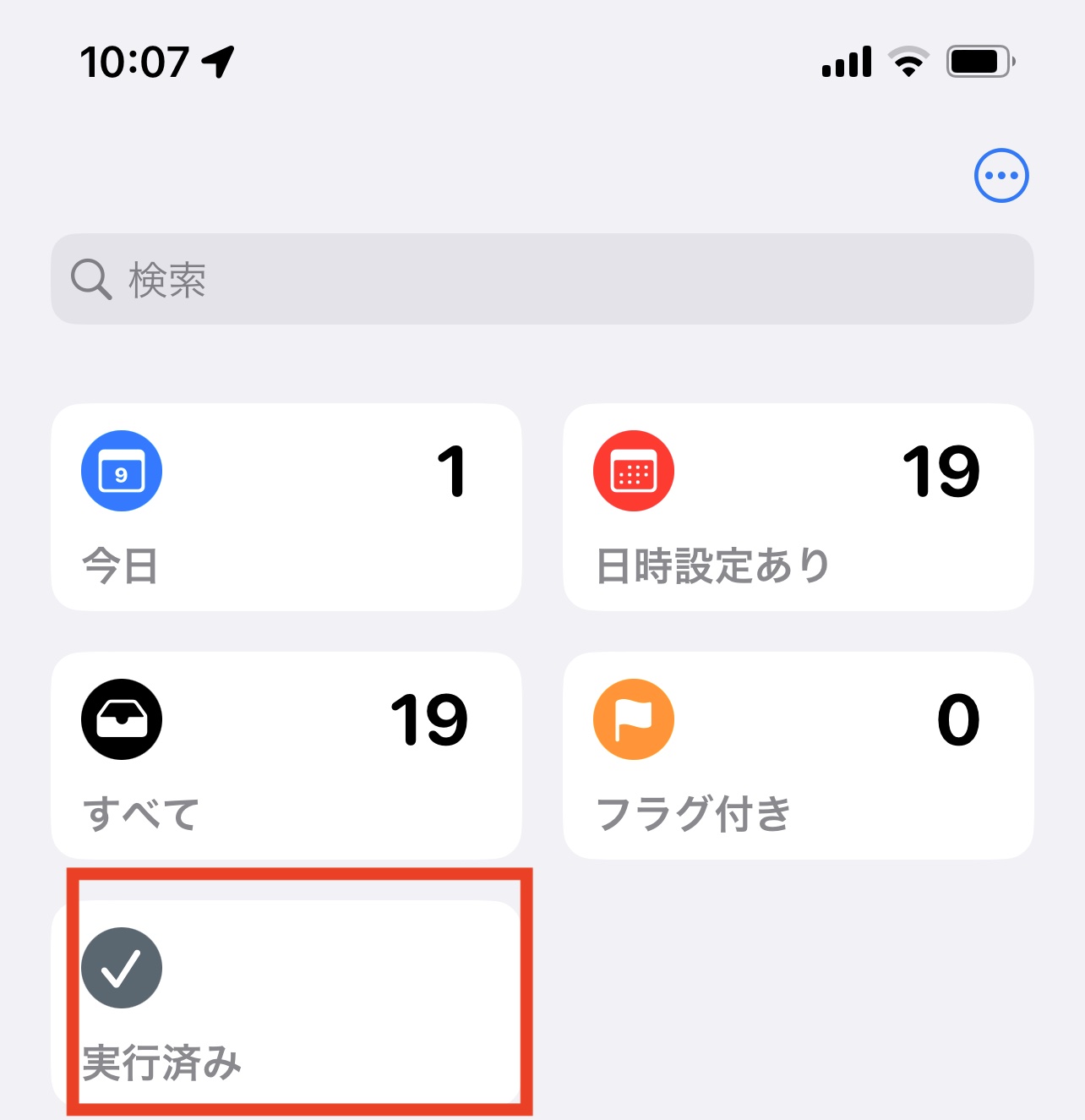
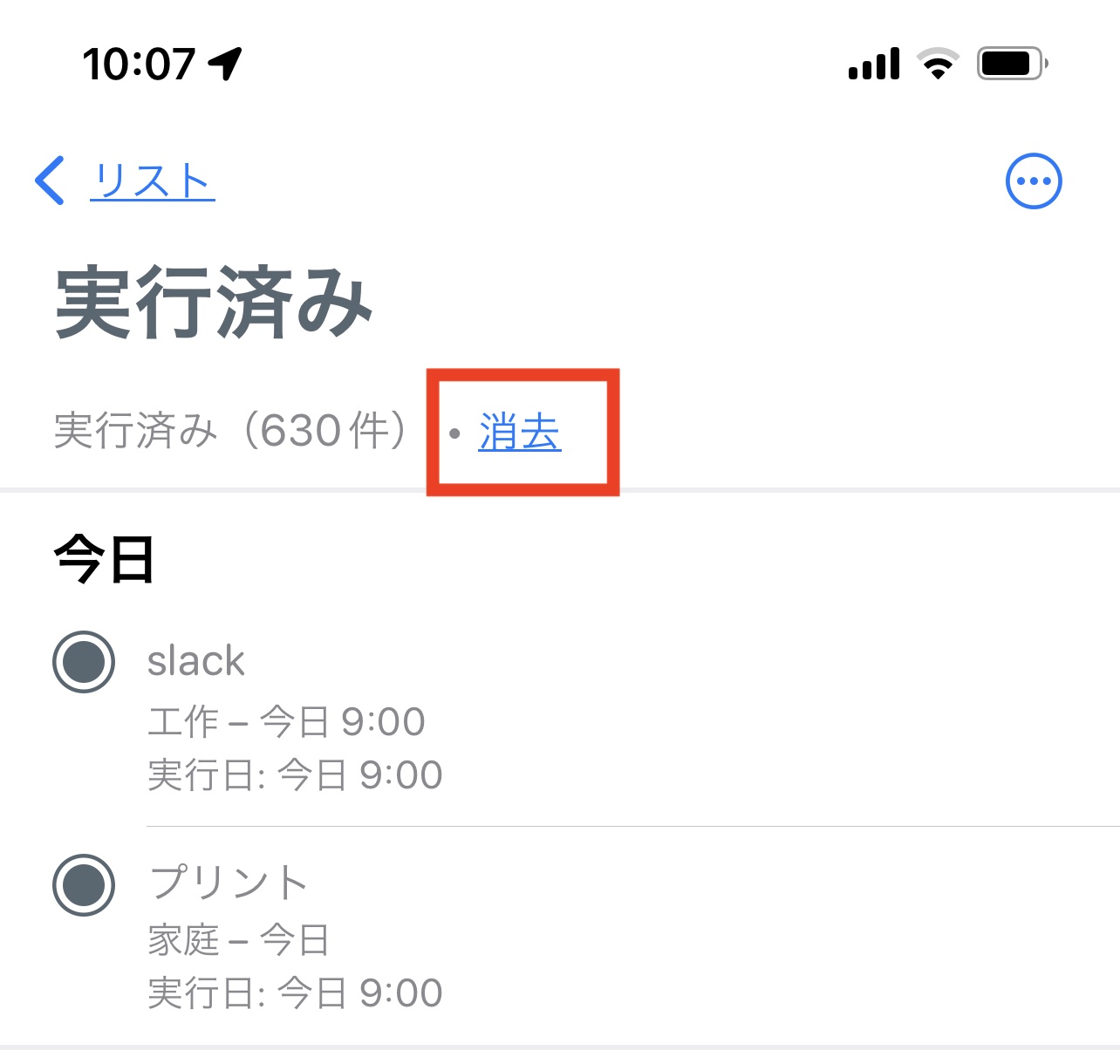
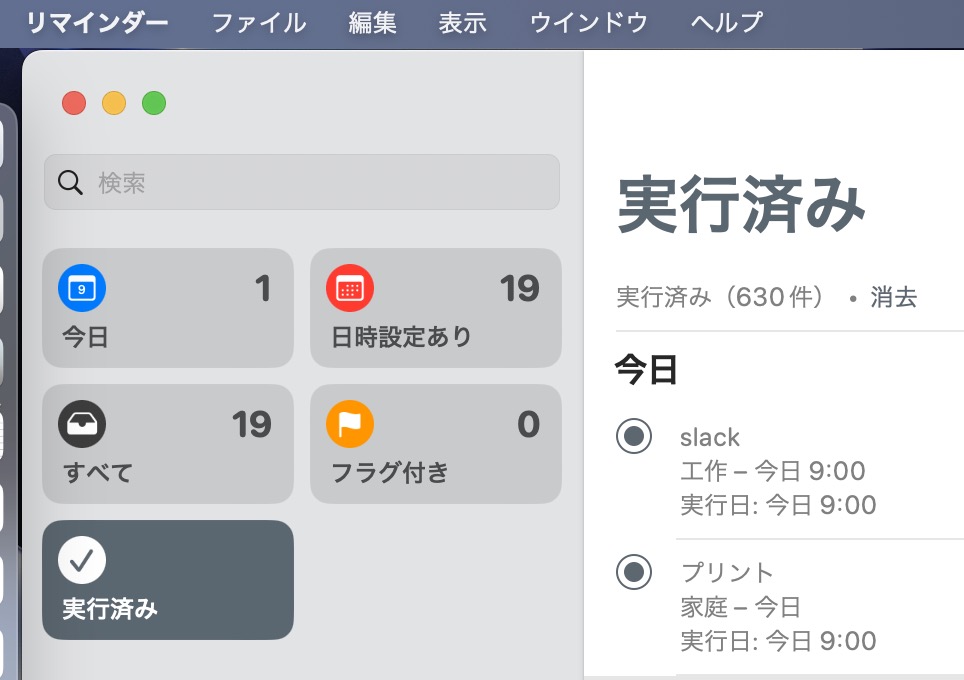
iOS16/macOS13 的“提醒事项”的新功能
试了一下,确实,打开 iOS 16 的提醒事项,进入“已完成”的列表,发现多了一个“全部删除”的按钮。按一下就可以了。
启示
第一,及时升级 iOS 和 macOS 还是很有必要的。
第二,ChatGPT 受限于训练库的时间,提供的信息经常是过时的。
第三,适当进行英文搜索还是很重要。
更新:May 3 版 ChatGPT
最近 ChatGPT 更新到5月3日的版本了,而且官方宣称:
We are deprecating the Legacy (GPT-3.5) model on May 10th. Users will be able to continue their existing conversations with this model, but new messages will use the default model.
— ChatGPT
然后用相同的问题尝试了一下,答案有所改变,但还是不太明确。毕竟知识库还是2021年9月的版本(尝试着问它“2022年男足世界杯的冠军是哪只队伍?”就可以了,它会表示:无法回答。
你可以用GPT-4呀,现在增加了Browsing,实时联网的。
还增加了Plugins,在Plugin store里下载你需要的Plugin,最多支持3个同时协作。
那个价格太贵,暂时先不用
嗯嗯,看自己的需求。